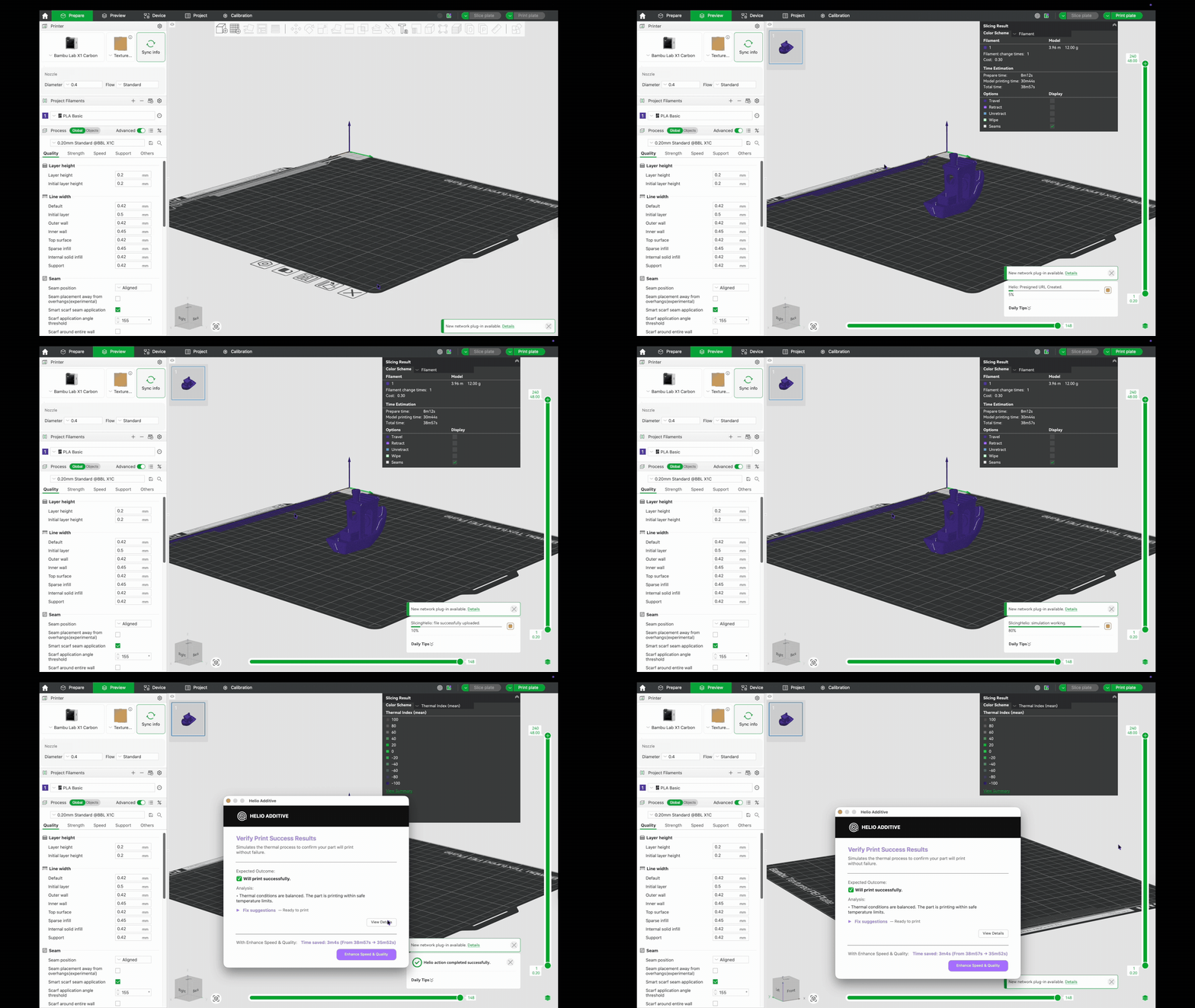
Quickstart
Get set up fast: open Bambu Studio, activate Helio, then go straight to Enhance for the fastest path to results.
Before you start: make sure Bambu Studio
is installed and open, and your printer/material are selected.
Two week free trial
You’re nearly there — once Helio is activated, your first run takes minutes
Assess is free. Enhance starts at $9.99/month for personal (non‑commercial) use, or $29.99/month for commercial desktop optimization.
Next
Activate Helio in Bambu Studio
Run Assess (free) to check risk
Run Enhance when ready, then print
Assess
Free
Run Printability Reports anytime
Enhance
From $9.99/mo
Personal $9.99 • Commercial $29.99 (no cap)
Compatibility
11+ printers
27+ materials
Where it runs
Inside Bambu Studio
Desktop-first workflow
Trial includes unlimited access during the trial. Cancel anytime.
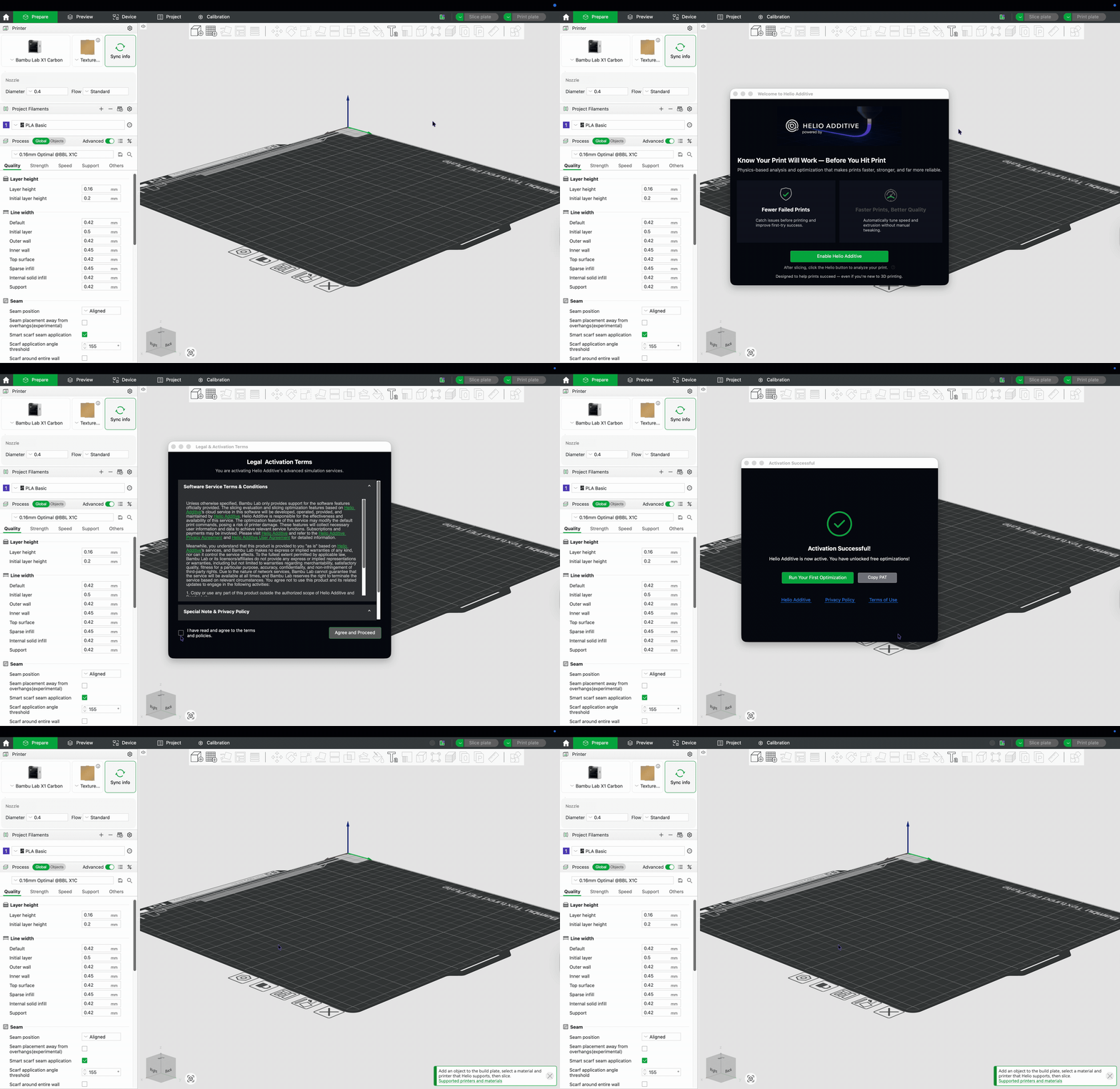
1) Activate Helio
~30 seconds
Activate Helio in Bambu Studio so the Helio panels/tools appear in your slicer.
2) Run your first job
~2 minutes
We recommend going straight to Enhance for most jobs. Assess is optional when you want a deeper thermal risk review.
Step 2
Enhance
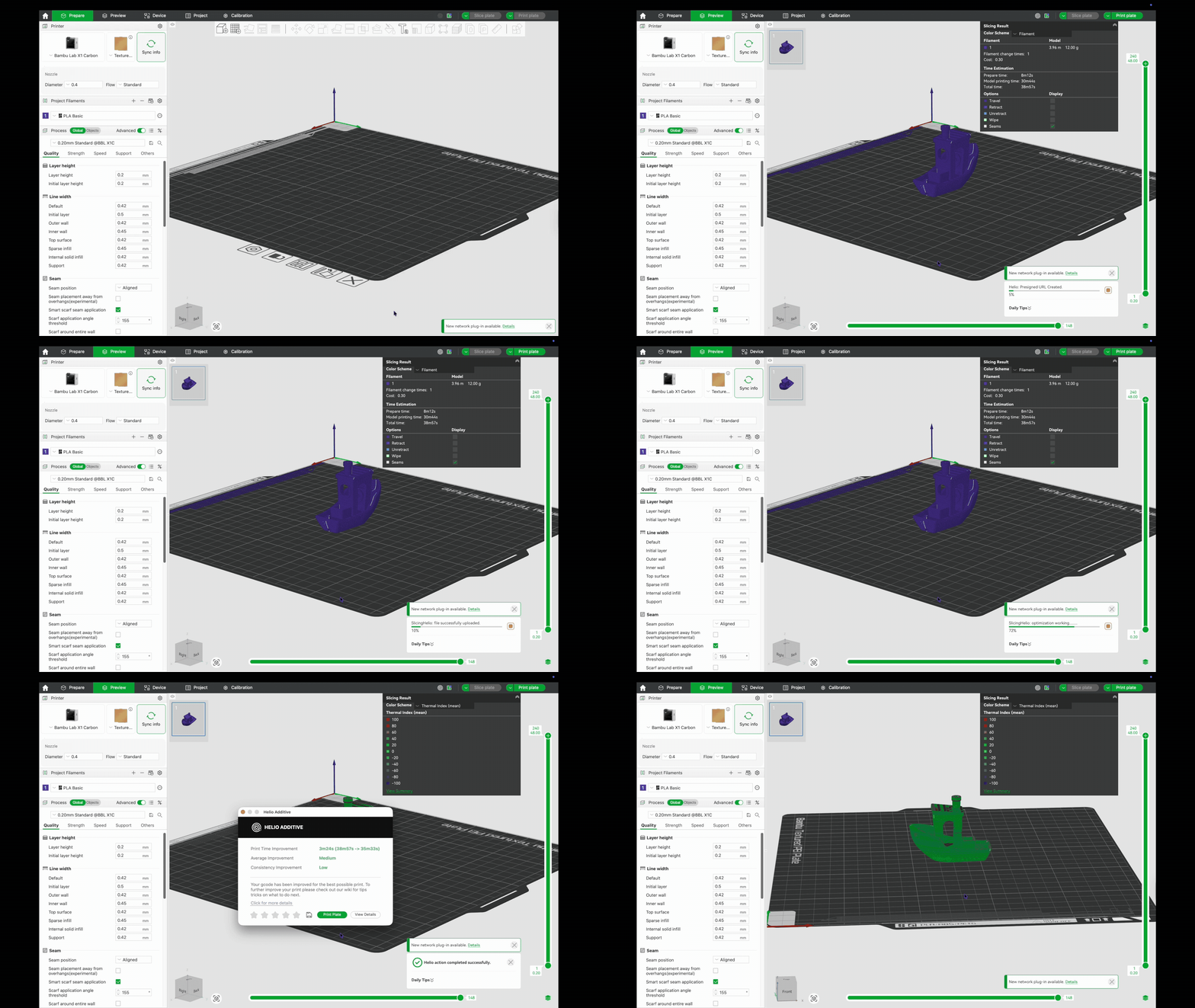
Run Enhance (recommended first)
Enhance optimizes speed and reliability immediately—this is the default path we
recommend for most jobs.
Step 3
Assess
Run Assess (optional)
Use Assess when you want a deeper thermal risk review before printing.